This is Part 2 of my Catalogue of Making ranging from Week 8-15

The visual explorations are informed by the concept of balance and harmonious energies inspired from the core of a misused practice in Singapore, Feng Shui.

This exploration contributes to the visuals in the interactive interface , which is just one part of a speculative experience

Catalogue of Making

by Alda Soh

Task 01
Energies in Algorithm

Tools;
p5js

This task is to make my own algorithm to generate visuals that are moving as well. First, taking a direct approach of loading energy diagram by the traditional practice of Feng Shui
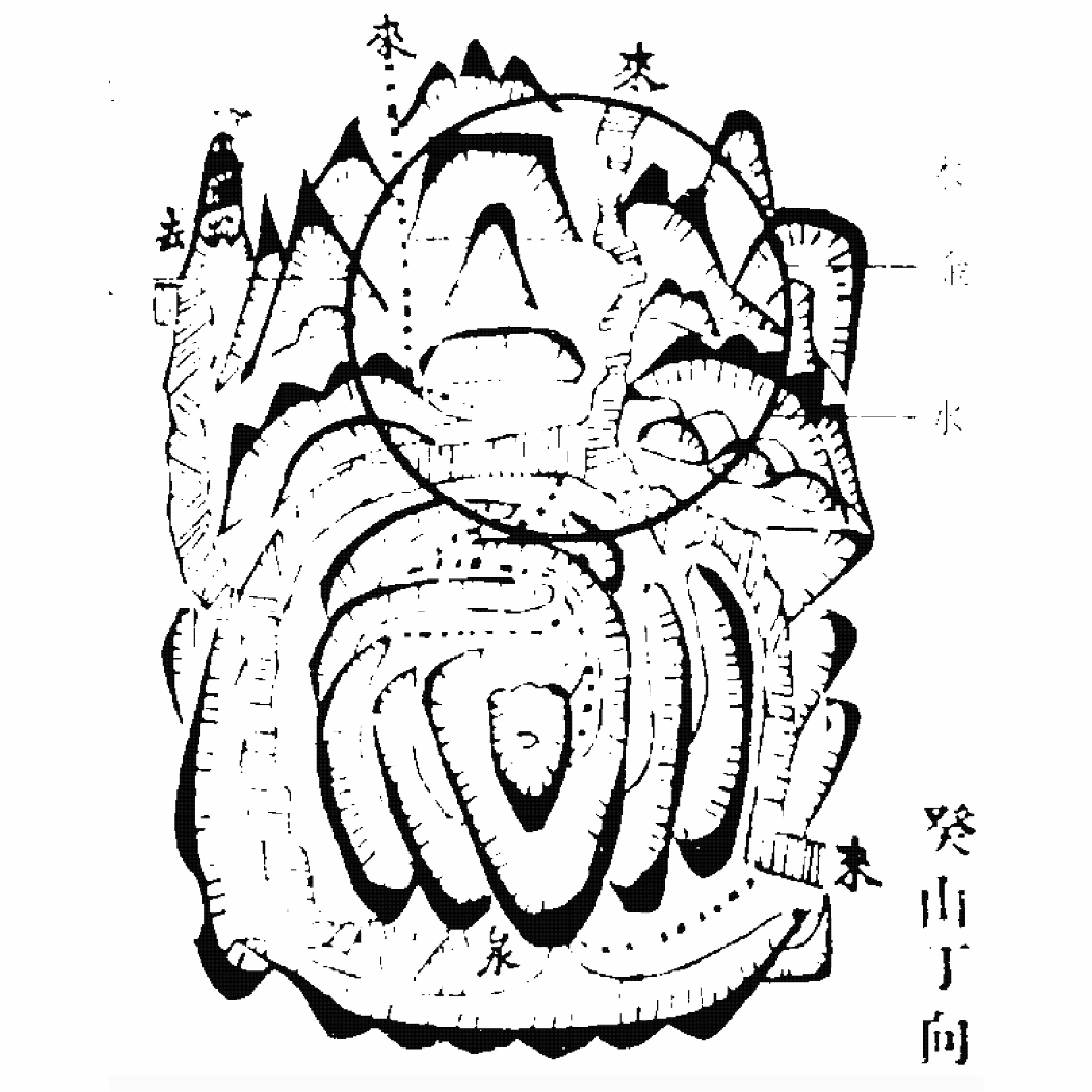
To detect the edges of the energy drawing
function preload();
img.loadPixels();
for (let);
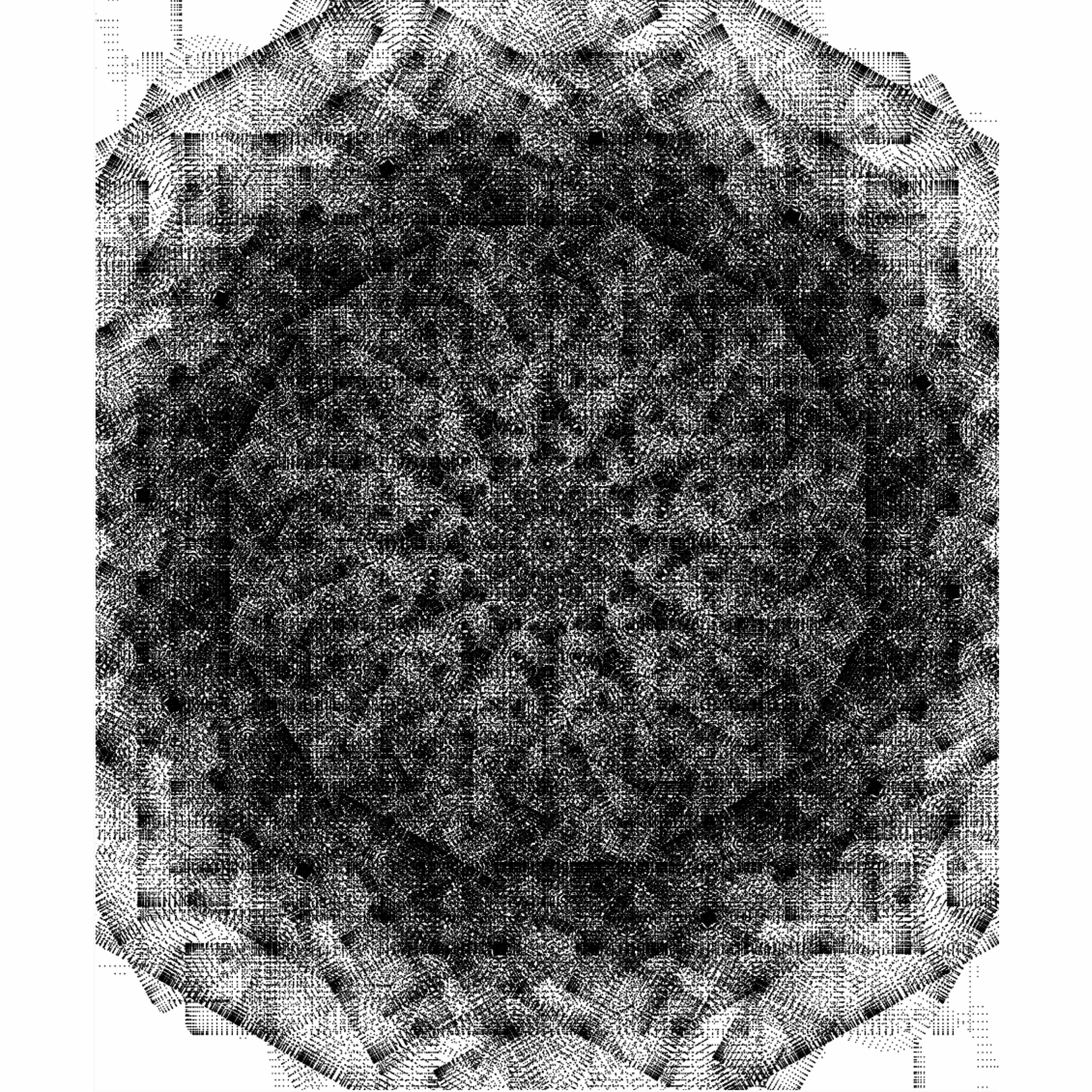
To generate interesting visuals. However, it is still with no movement
drawLineArt();
rotate();
To generate interesting moving visuals
drawLineArt();
point();
rotate(frameCount);
drawLineArt();
vertex();
rotate(frameCount);
Variation 01
drawLineArt();
vertex();
rotate(frameCount);
random();
Variation 02

Task 02
Interactive Energies in Algorithm

Tools;
TouchDesigner

Despite generating interesting visuals, it was not contributing to the project, felt random almost

In this task, I am using a different algorithm that can enable interactivity without all the coding difficulty I faced

Creating a “shader” using noise, constant, limit, feedback nodes
To enhance and enable interactivity, Adding a Key Press as an input for users to interact with.
Continued exploring with the values in the nodes to generate more interesting visuals. Trying out Key Press in different nodes, connect it with feedback and it resets the visual, randomising the noise

Continued exploring with the values in the nodes to generate more interesting visuals.

Trying out Key Press in different nodes, connect it with feedback and it resets the visual, randomising the noise.

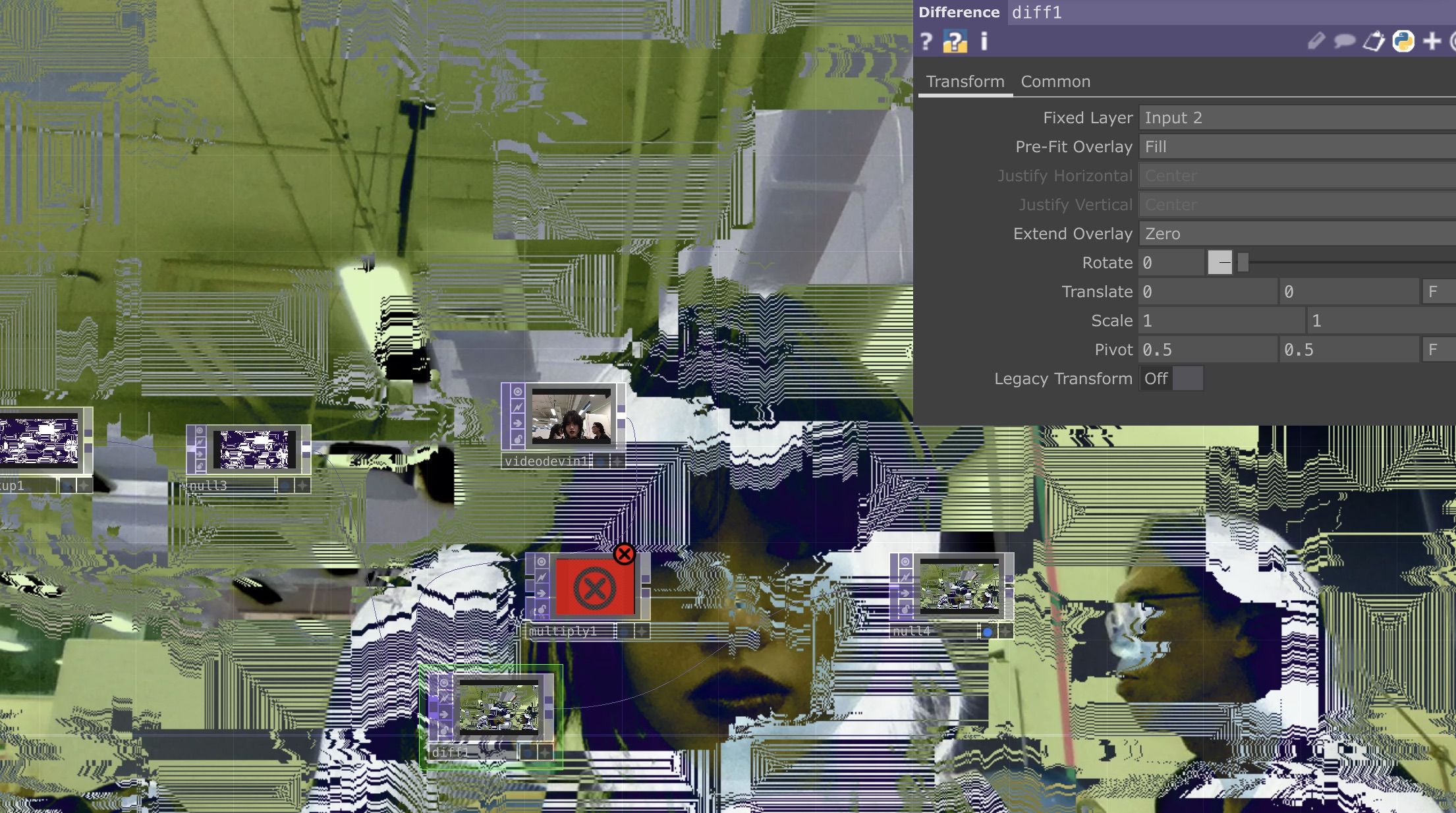
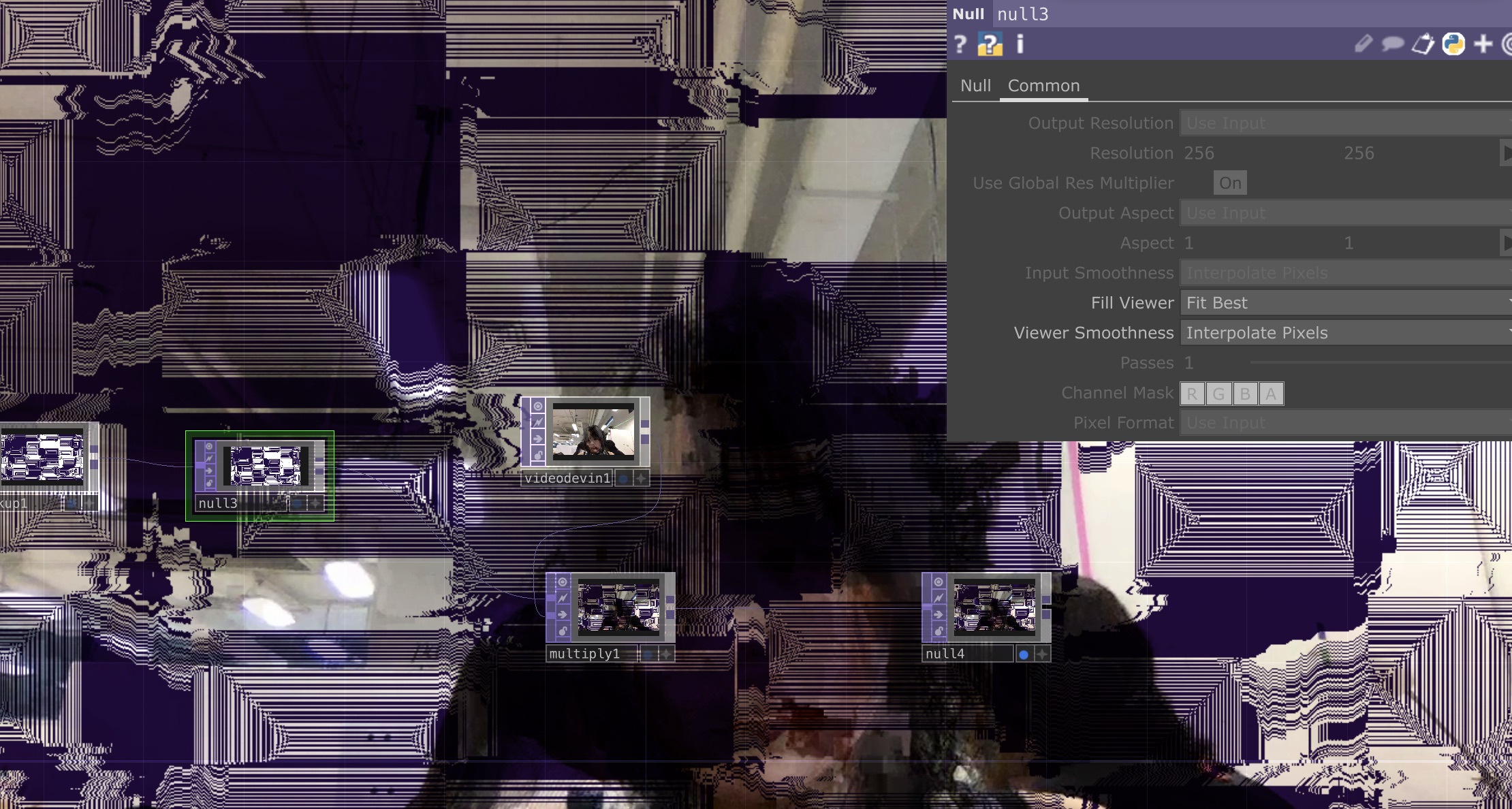
Enabling live visuals to increase interactivity, added a videodevin node for video input
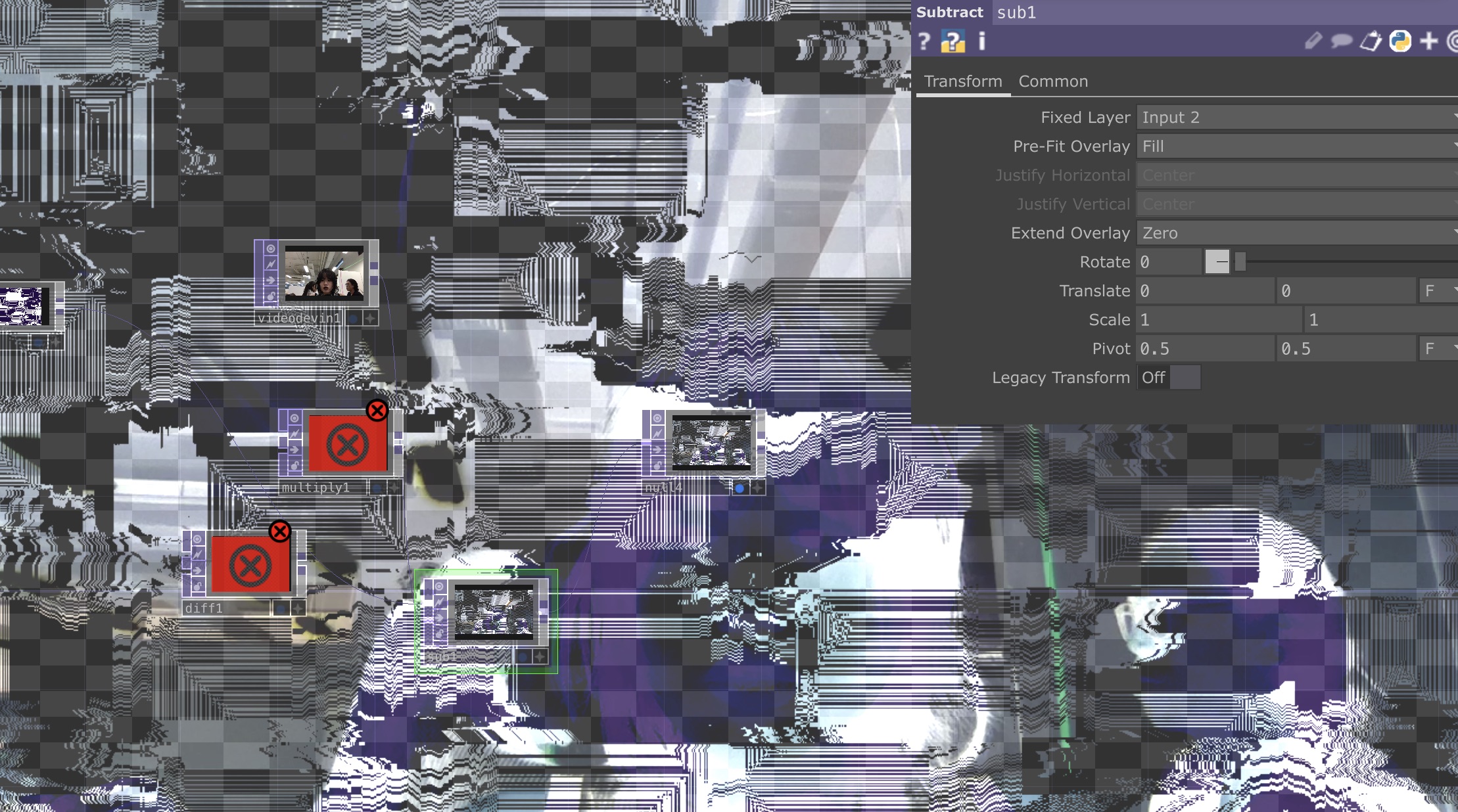
Continued exploring different nodes, such as multiply, difference, subtract Reminds me of adobe effect layers
Continued exploring different nodes, to find an interesting outcome

Task 03
Experiental Prototype & User Testing

Linking back to my very first activity of a field trip to Coney Island, which influenced my project greatly. I held a user-testing here along with the interactive experiments I did.

Please visit my prototype website that goes in-depth into testing to better understand my project. Link

Shader 01:
As I test the Key Press, while I make changes, one interesting thing to note would be how it resets, the shader visual “calms” and the visual appears harmonious

I wanted to explore different inputs, previously I explored touch input

This time, I decided to try out different visuals with movement sensing to test out how users interact with it

For this visual, I tried integrating key press input as well but it did not do much. Moving forward, I would like to explore with the visuals and proximity sensors that could create the harmonising effect similar to when pressed

Shader 02

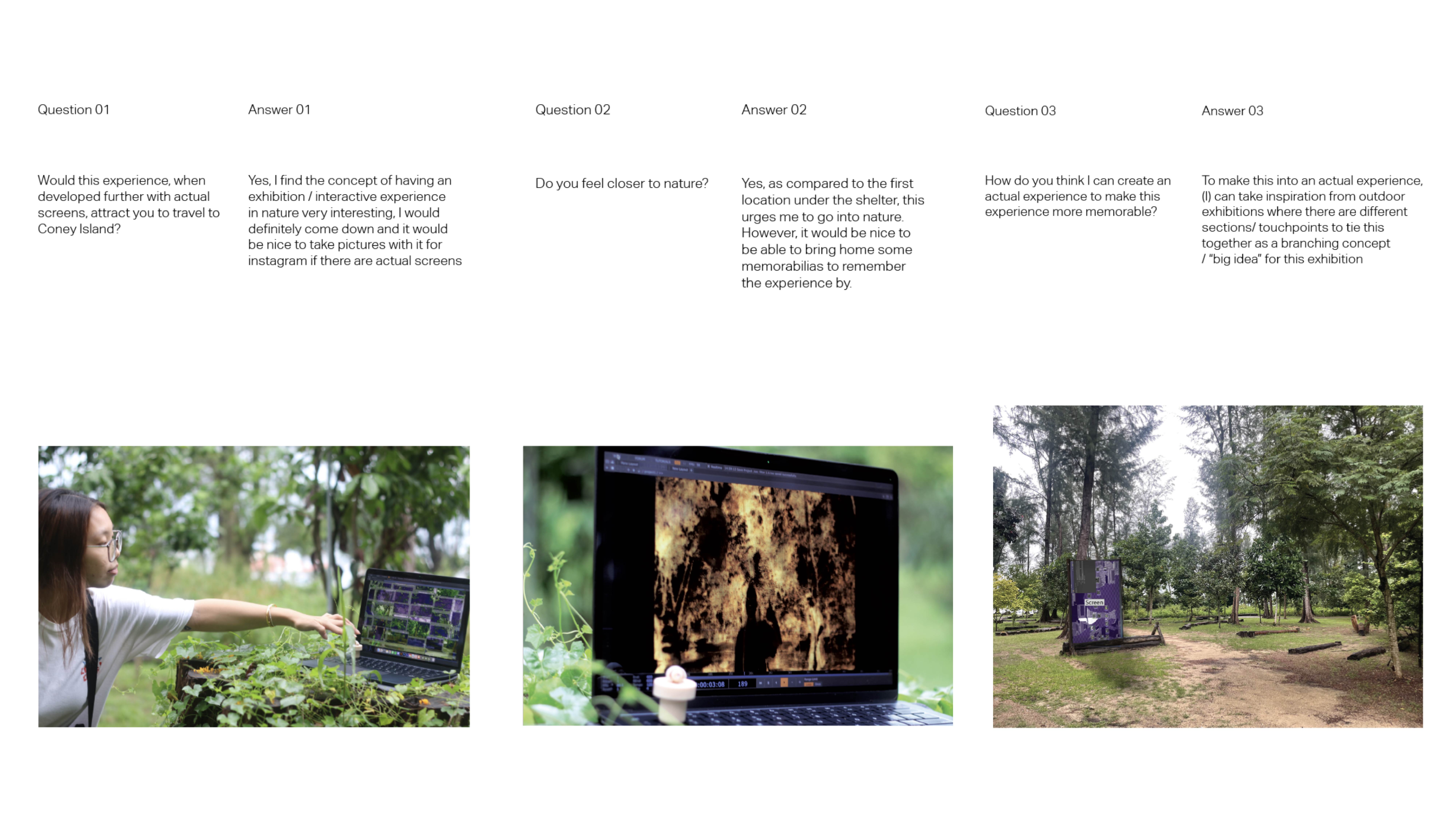
To ensure optimal user-testing, I prepared questions which can be viewed fully on the publication “ReRooted”, available in web and physical printed format.

The feedback was generally positive, with users showing interest in actually visiting an experience/ exhibition like this. The interactive visuals and experience was well-received, however to really improve this experience is to include more than just a screen and inputs.

User-testing feedback excerpt from publication

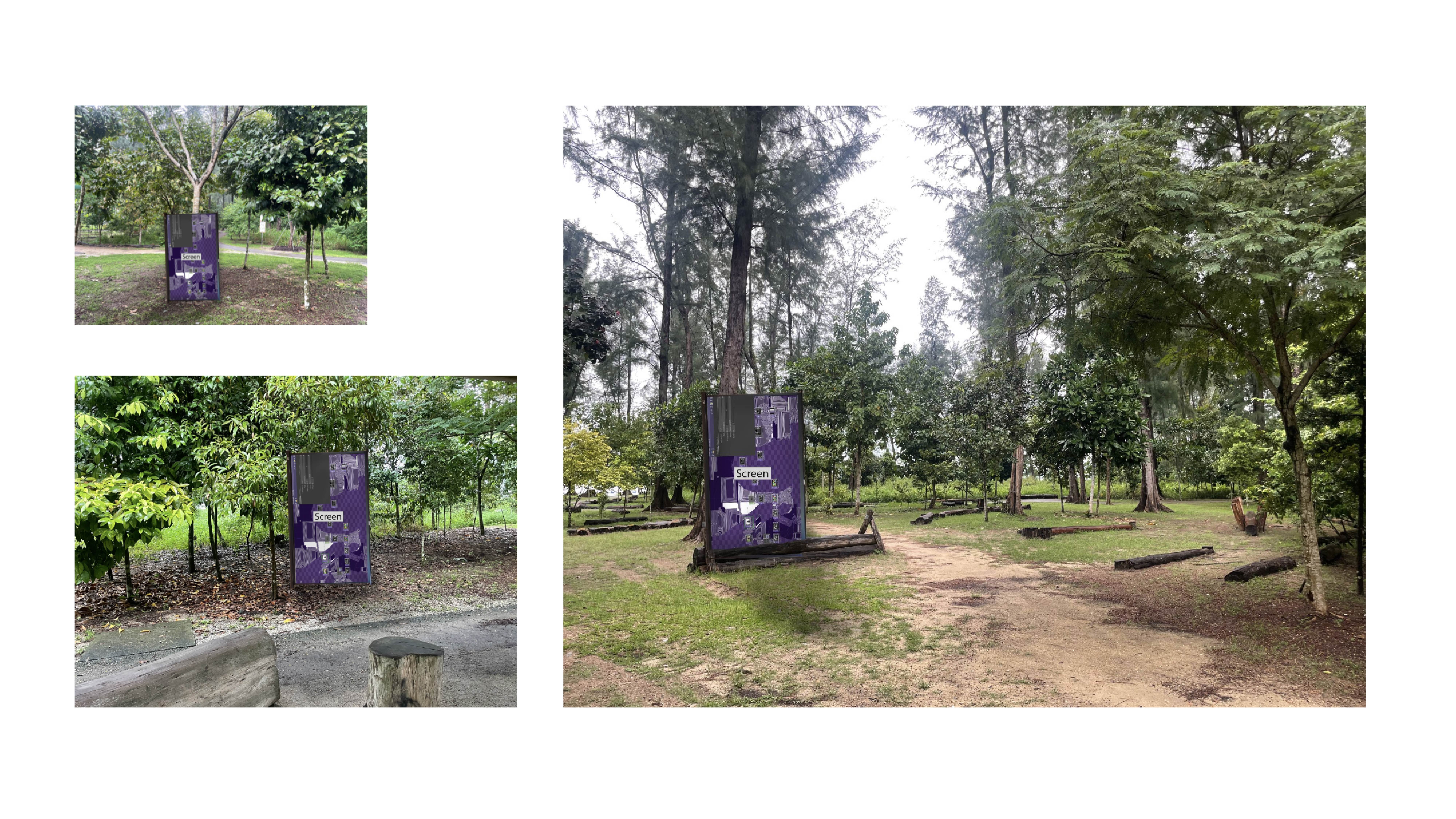
I have mocked up possible touchpoints in suitable areas in Coney Island. *This is not a definitive plan, it is to visualise the feedback given.

Feedback from the user-testing, to really enhance the experience, more touchpoints can be added, making it into a conceptual exhibition rather than just one interactive screen and input.

Rough mockup of a possible exhibition plan

Moving Forward,
I would like to..

Further develop visuals in relation to physical touchpoints. Can the visuals be further pushed to show harmony more effectively, for e.g. Using motion sensor to maneuver the visual into a harmonious effect

To create physical input in place of key press.Exploring materiality in the inputs. To ultimately, create an actual experience with a narrative, touchpoints

Rough mockup of a possible exhibition plan